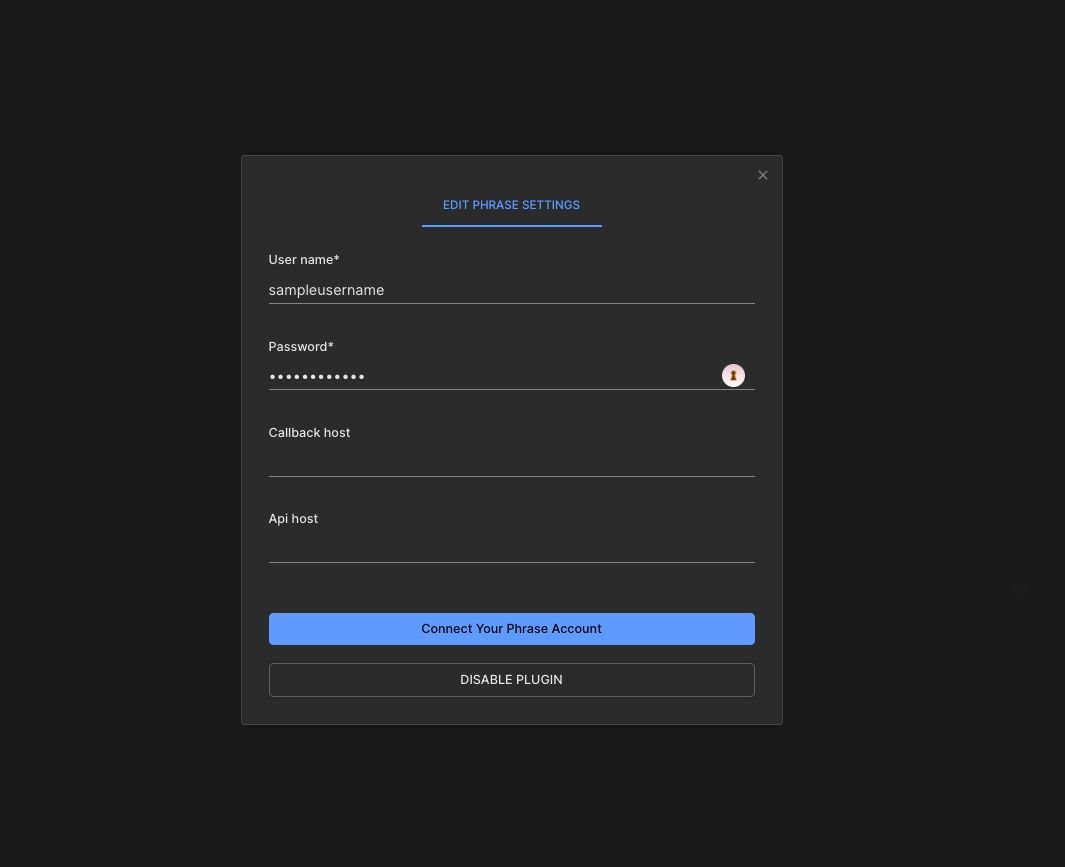
From the plugins tab, pick Phrase, it'll ask you for your phrase user name and password, make sure the user has a Project Manager role.
What's being translated:
- All text elements in builder content [you can exclude specific element by right click +
exclude from future translations] - All custom fields in content that are marked as
localized - All custom components inputs that are marked as
localized
How To translate?
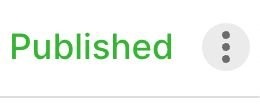
- once done with preparing content, publish it, and press the triple dots options menu on the top right of the editor:
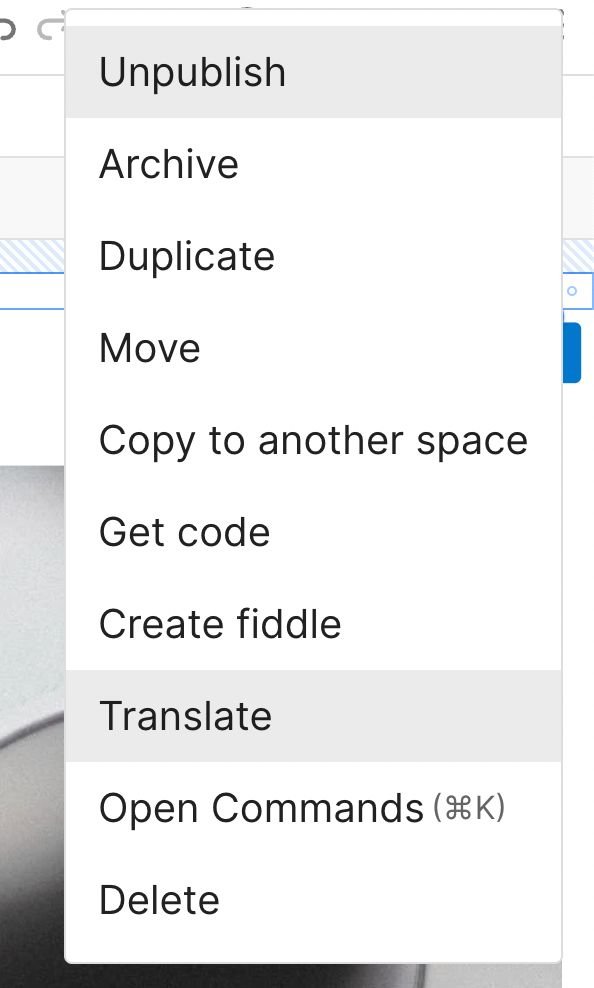
Then click Translate
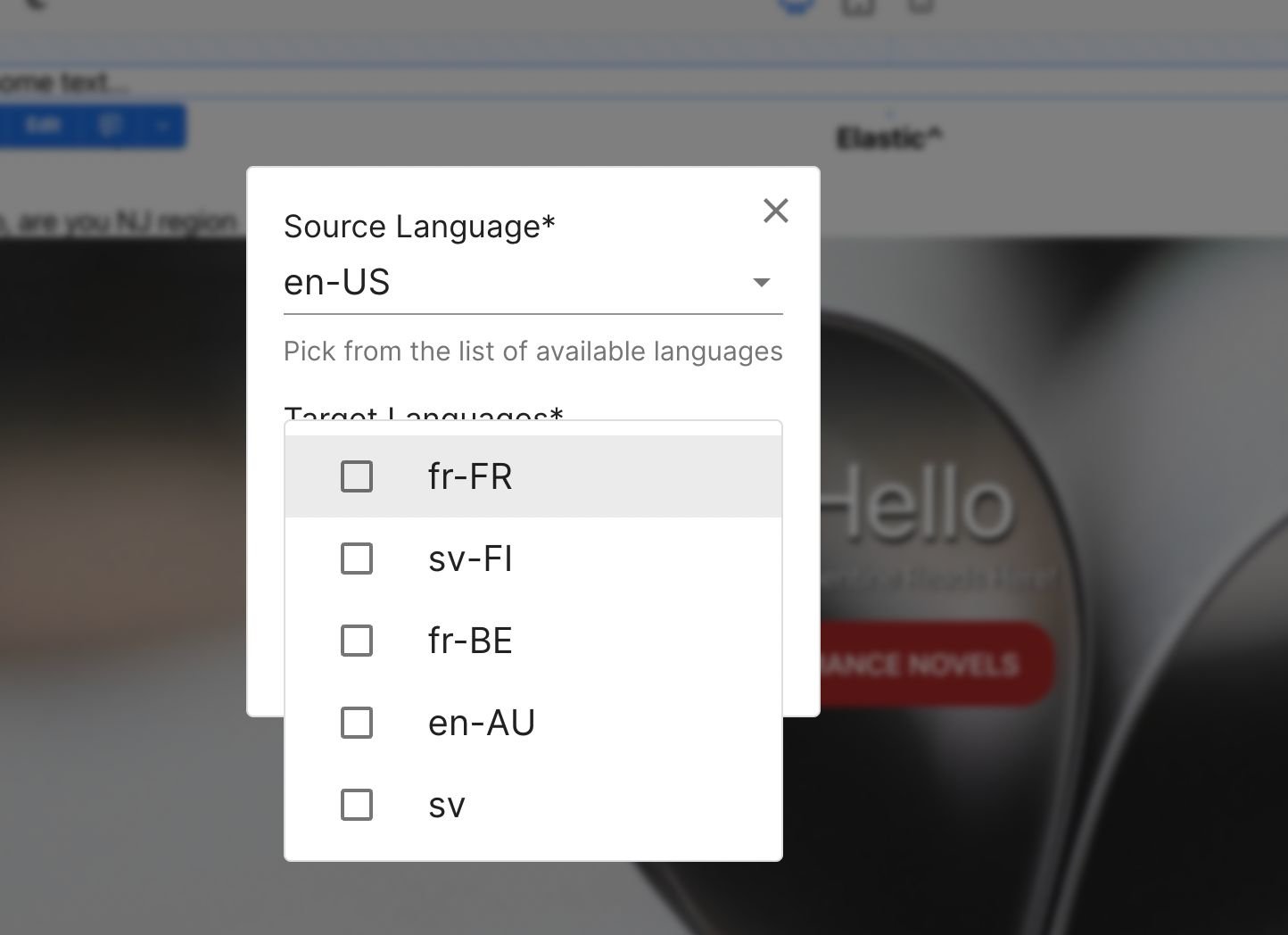
- it'll ask you for the source language and target languages and create a project in phrase with those configuration.
- once the project is completed, press on
Apply Translationto get the translated values into your content. - You can at any time restart the process by pressing on
Reset Translation.
Future work:
- Automating the translation application on content once a project is completed in phrase.