Editing a security advisory
You can edit the metadata and description for a security advisory if you need to update details or correct errors.
People with admin permissions to a security advisory can edit the security advisory.
Editing a security advisory
-
On GitHub, navigate to the main page of the repository.
-
Under your repository name, click Security.

-
In the left sidebar, click Advisories.

-
In the "Security Advisories" list, click the security advisory you'd like to edit.
-
In the upper-right corner of the details for the security advisory, click .

-
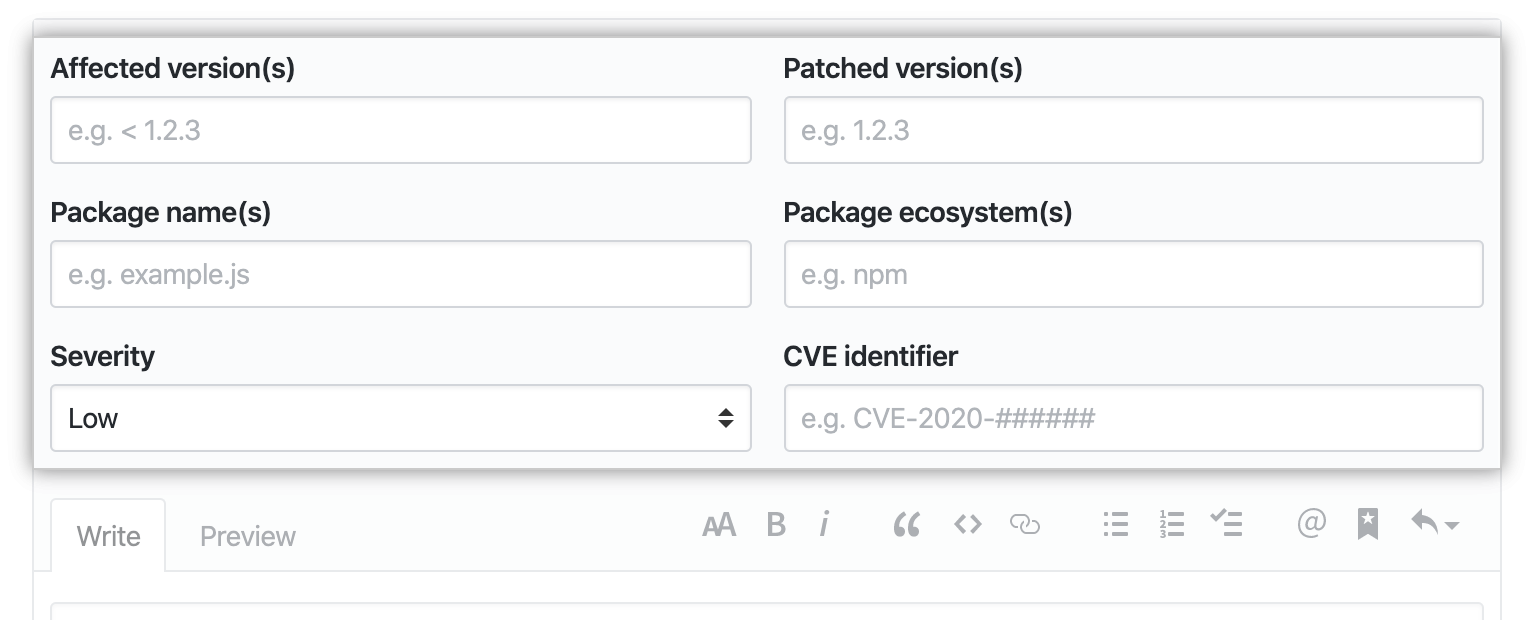
Type the details about the security vulnerability that the security advisory addresses.
-
Type a description of the security vulnerability.

-
Click Update security advisory.
