Anyone with admin permissions to a security advisory can publish the security advisory.
Pré-requisitos
Before you can publish a security advisory or request a CVE identification number, you must create a draft security advisory and provide information about the versions of your project affected by the security vulnerability. For more information, see "Creating a security advisory."
If you've created a security advisory but haven't yet provided details about the versions of your project that the security vulnerability affects, you can edit the security advisory. For more information, see "Editing a security advisory."
About publishing a security advisory
When you publish a security advisory, you notify your community about the security vulnerability that the security advisory addresses. Publishing a security advisory makes it easier for your community to update package dependencies and research the impact of the security vulnerability.
You can also use Consultoria de segurança GitHub to republish the details of a security vulnerability that you have already disclosed elsewhere by copying and pasting the details of the vulnerability into a new security advisory.
Before you publish a security advisory, you can privately collaborate to fix the vulnerability in a temporary private fork. Para obter mais informações, consulte "Colaborar em uma bifurcação privada temporária para resolver uma vulnerabilidade de segurança".
After you publish a security advisory, the URL for the security advisory will remain the same as before you published the security advisory. Anyone with read access to the repository can see the security advisory. Collaborators on the security advisory can continue to view past conversation in the security advisory unless someone with admin permissions removes the collaborator from the security advisory.
If you need to update or correct information in a security advisory that you've published, you can edit the security advisory. For more information, see "Editing a security advisory."
Requesting a CVE identification number
Anyone with admin permissions to a security advisory can request a CVE identification number for the security advisory.
If you don't already have a CVE identification number for the security vulnerability in your project, you can request a CVE identification number from GitHub. Assigning a CVE identification number generally takes 72 hours or less. For more information, see "About Consultoria de segurança GitHub."
- No GitHub, navegue até a página principal do repositório.
- Under your repository name, click Security.

- In the left sidebar, click Security advisories.

- In the "Security Advisories" list, click the security advisory you'd like to request a CVE identification number for.

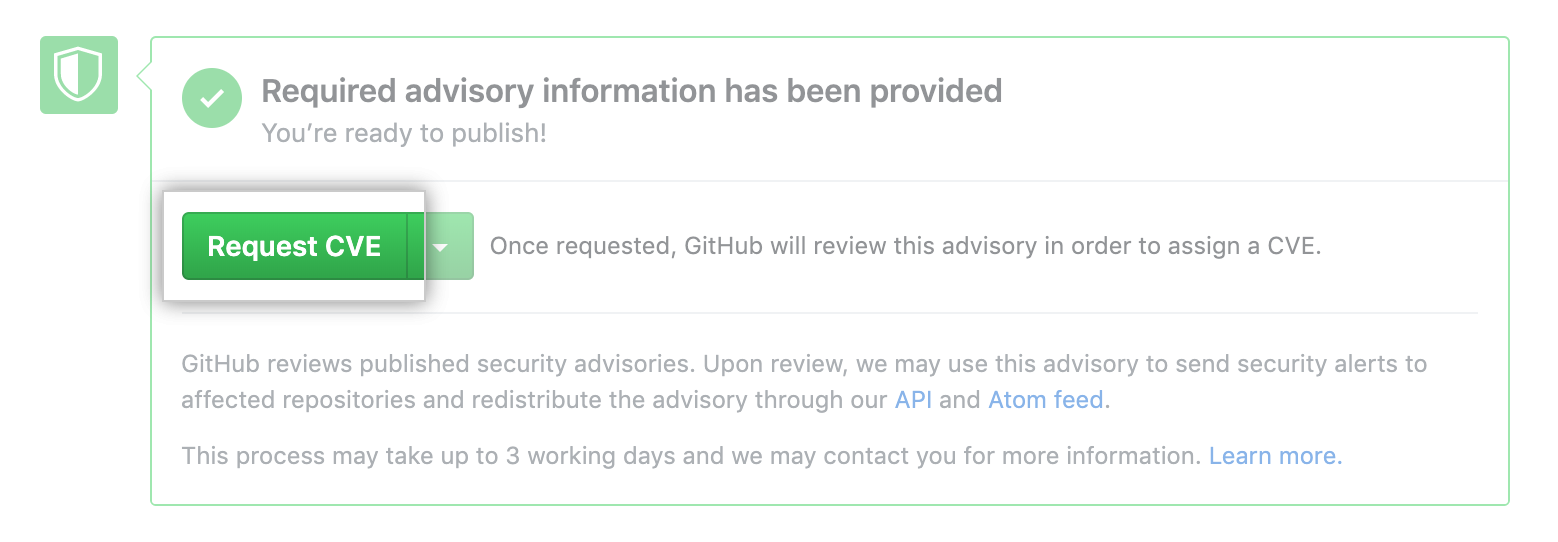
- Use the Publish advisory drop-down menu, and click Request CVE.

- Click Request CVE.
Publishing a security advisory
Publishing a security advisory deletes the temporary private fork for the security advisory.
- No GitHub, navegue até a página principal do repositório.
- Under your repository name, click Security.
- In the left sidebar, click Security advisories.
- In the "Security Advisories" list, click the security advisory you'd like to publish.
- At the bottom of the page, click Publish advisory.

Security alerts for published security advisories
GitHub will review each published security advisory, add it to the Banco de Dados Consultivo GitHub, and may use the security advisory to send security alerts to affected repositories. If the security advisory comes from a fork, we'll only send an alert if the fork owns a package, published under a unique name, on a public package registry. This process can take up to 72 hours and GitHub may contact you for more information.
For more information about security alerts, see "About security alerts for vulnerable dependencies." For more information about Banco de Dados Consultivo GitHub, see "Browsing security vulnerabilities in the Banco de Dados Consultivo GitHub."